Options
Let people try it
You choose what can change: a colour, a material, a part, a size. They see the result at once, with a running price if you want one.
More about option pickersExample total $160
Spin it, walk inside, change colours and options, and leave notes. Nothing to install.

Bring models from
GLB, glTF, FBX and OBJ files open as they are. Blender sends with a plugin, and the 3ds Max and SketchUp plugins are in preview. From Revit, Rhino or Archicad, save one of those files first.
A live 3D model, running in your browser. Press anything, or grab the model.
One link, four ways to look. Switch with one button, no reload and no second file.
 Live 3D · Around
You choose what can change. They see it at once, with a running total, and every choice gets its own link.
Metal
Stone
Example total $1,400
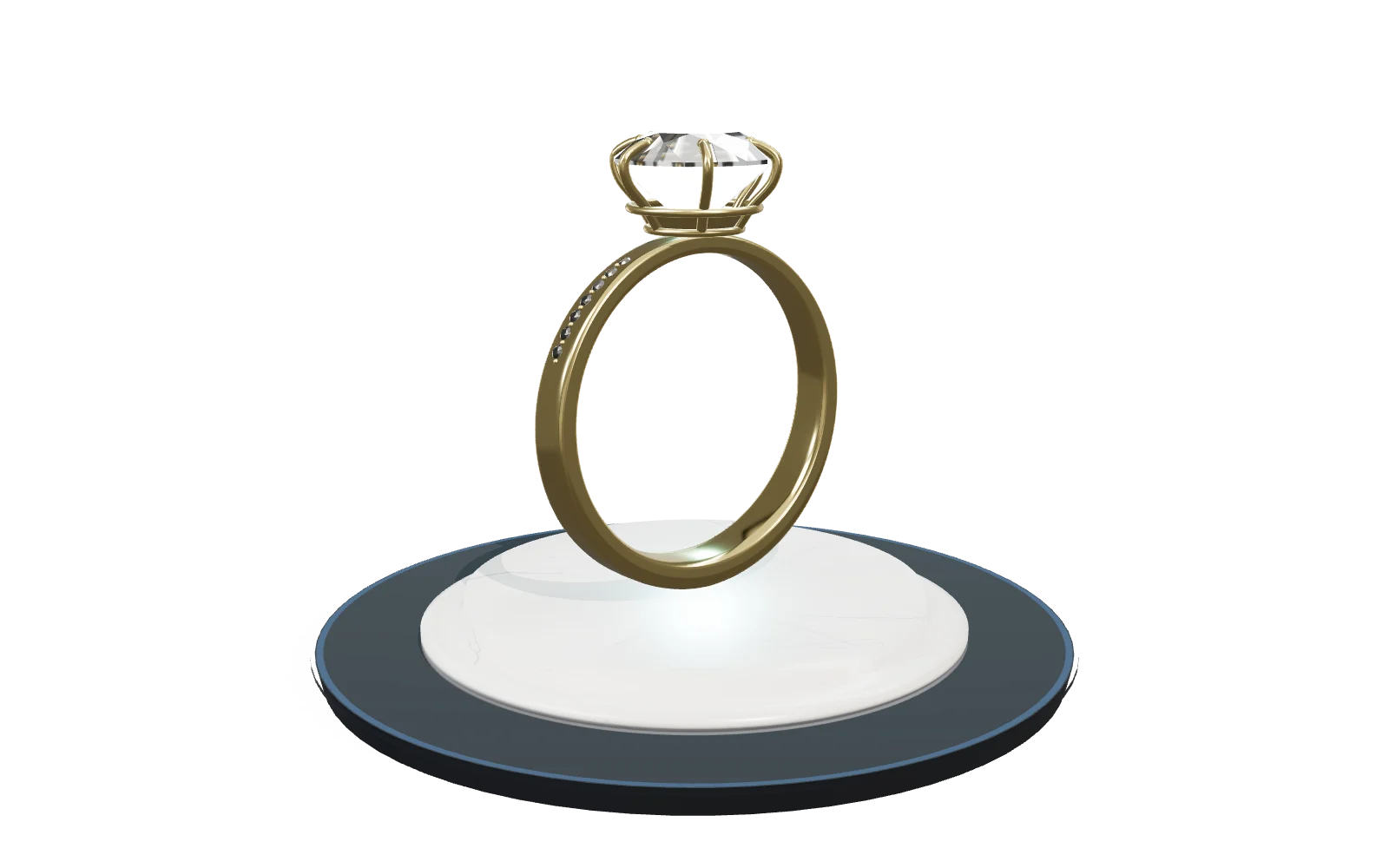 Live 3D · Ring
A reviewer clicks the model, writes a note and can add photos. No account for them.
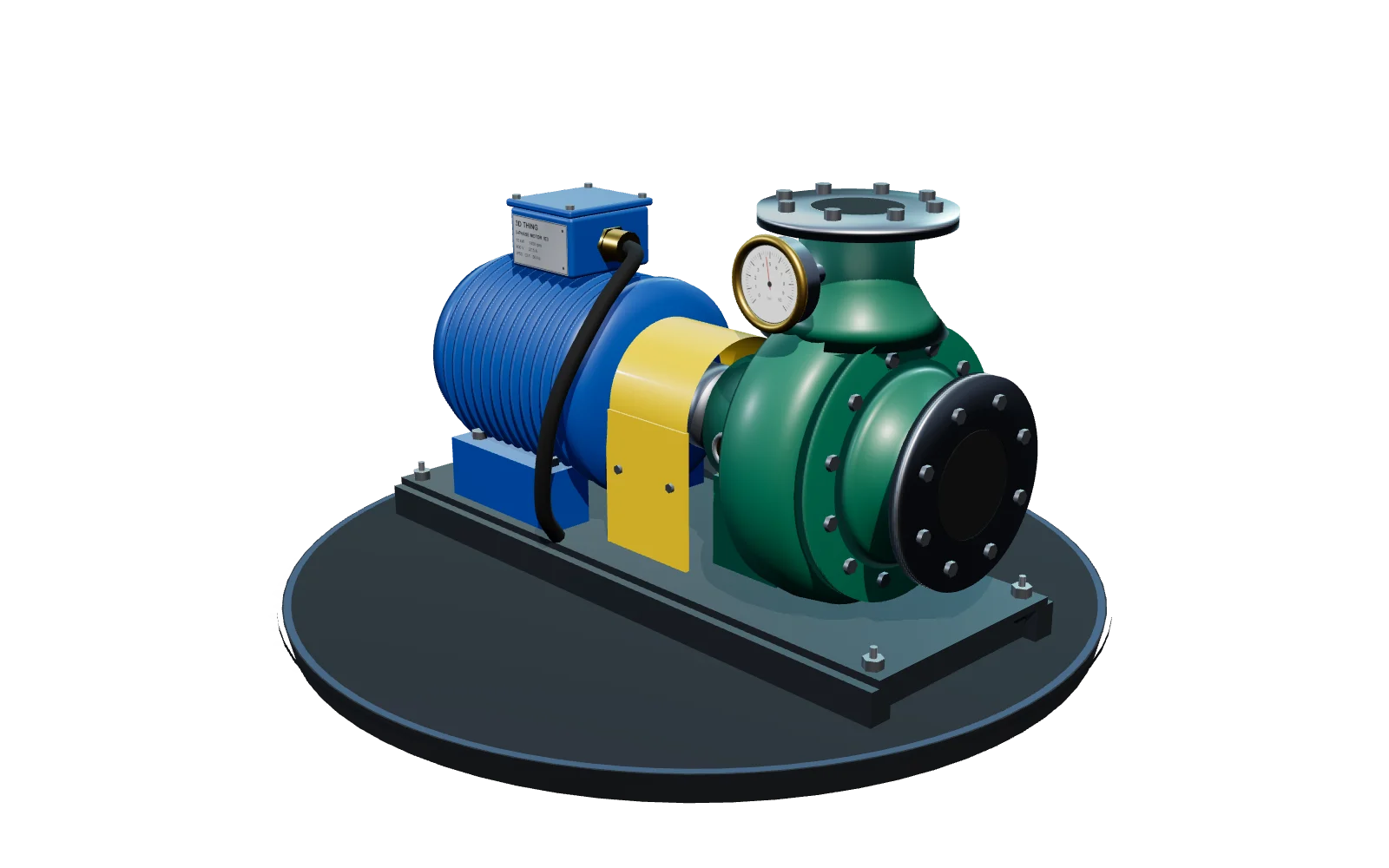 Live 3D · PumpLive 3D · Around
Made for every industry
If you can make it in 3D, you can share it. A few examples:
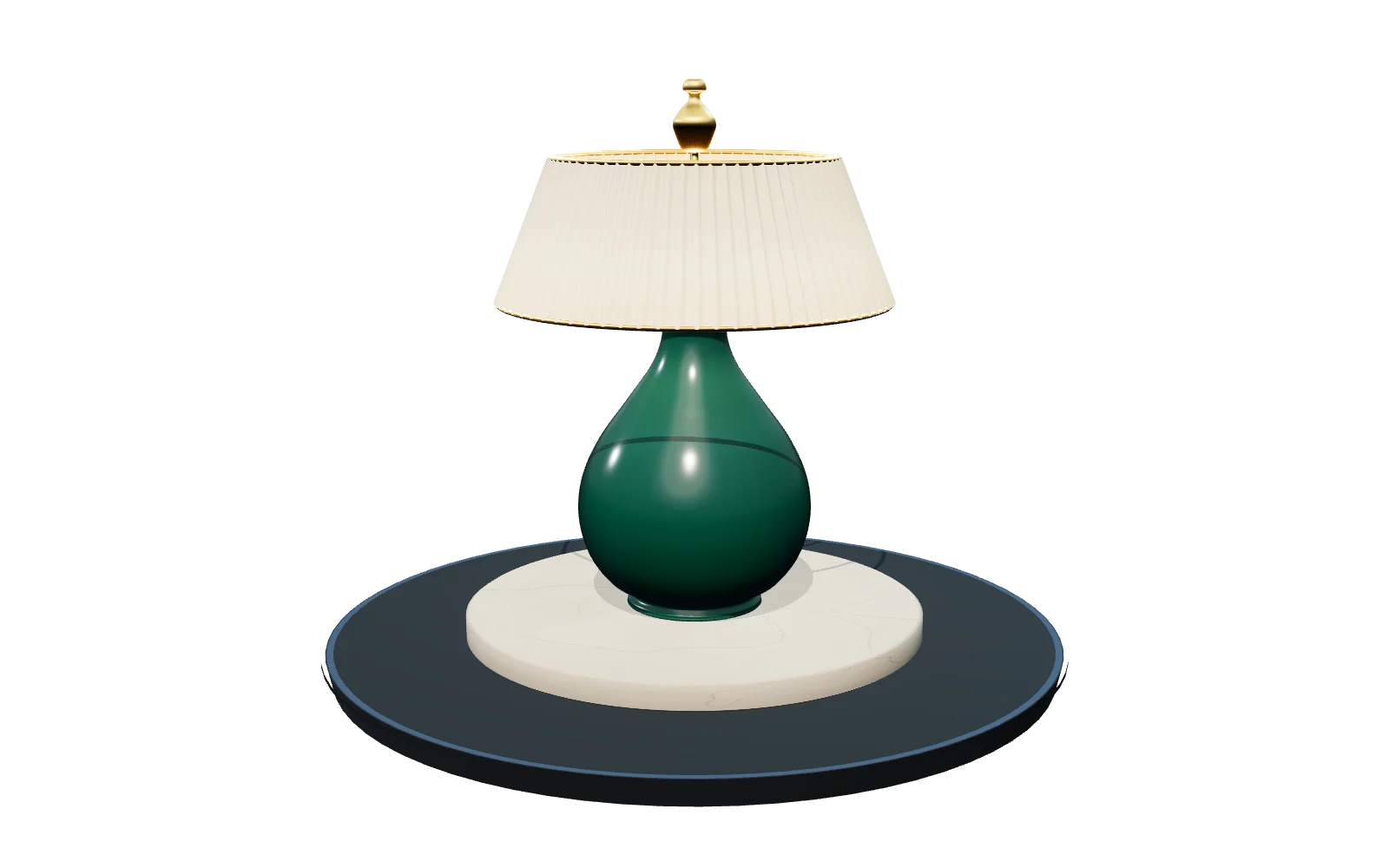
Show a product in every colour and option on its own page.
For example: A lamp maker puts one model on the product page. Shoppers choose the shade and the base, the price updates, and the page knows the exact choice.
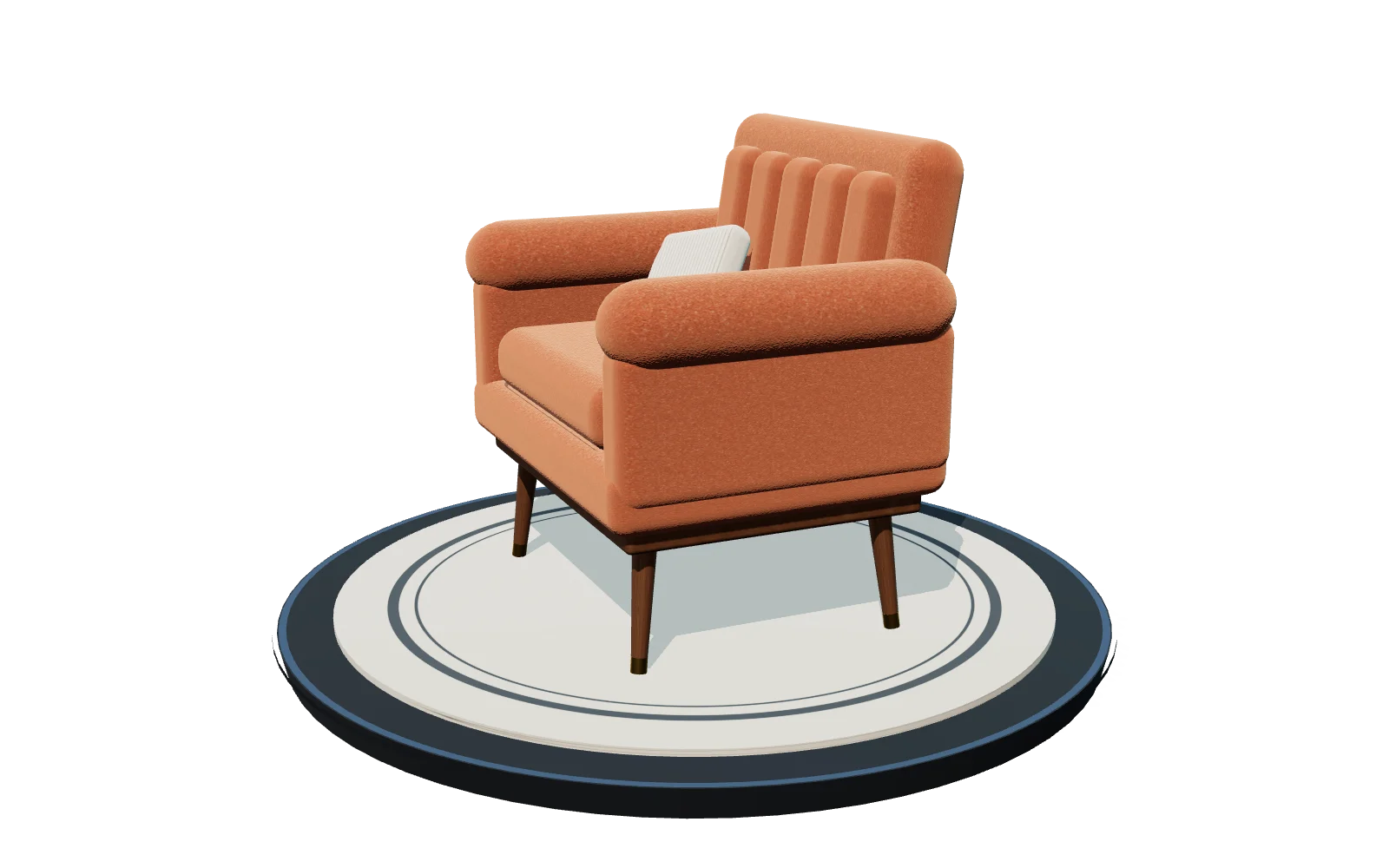
Let a shopper choose the fabric, the wood and the size before they buy.
For example: A sofa company lets shoppers try five fabrics and two leg styles, then send the combination to their partner as a link.
Show a machine to a buyer in another city, and point at the parts that matter.
For example: A pump manufacturer sends a buyer abroad a link. The buyer turns the pump round, measures the pipe fittings and reads a pin on the maintenance door.
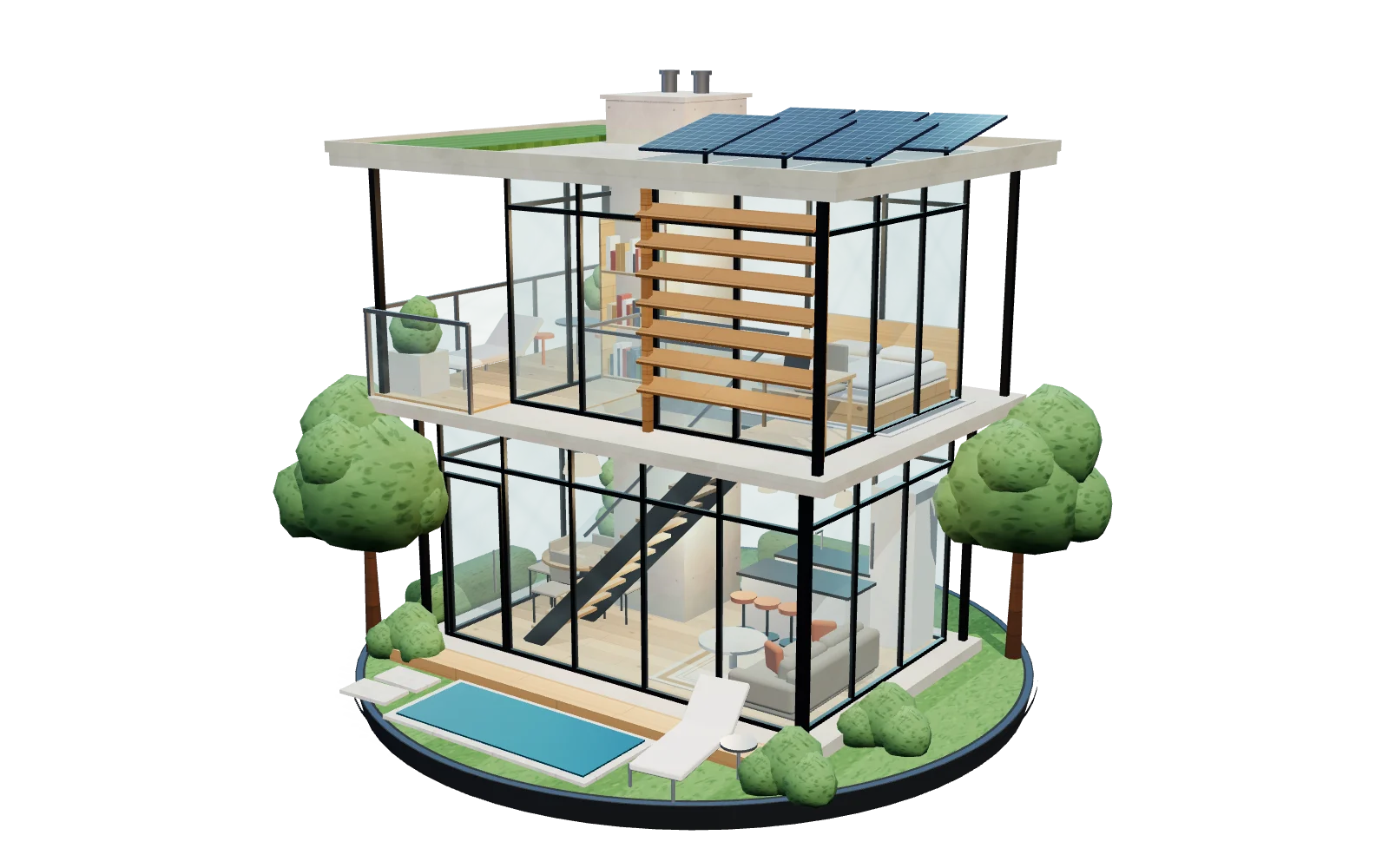
Let a client walk through a building or a room before it is built.
For example: A studio sends a family a link to their future kitchen. They walk through on Sunday, switch to the evening look and pin a note where the socket should move.
Let people study a piece up close and choose the metal or the stone.
For example: A jeweller shows a ring that can be gold or silver, with a round or a square stone, and the customer zooms in on the setting.
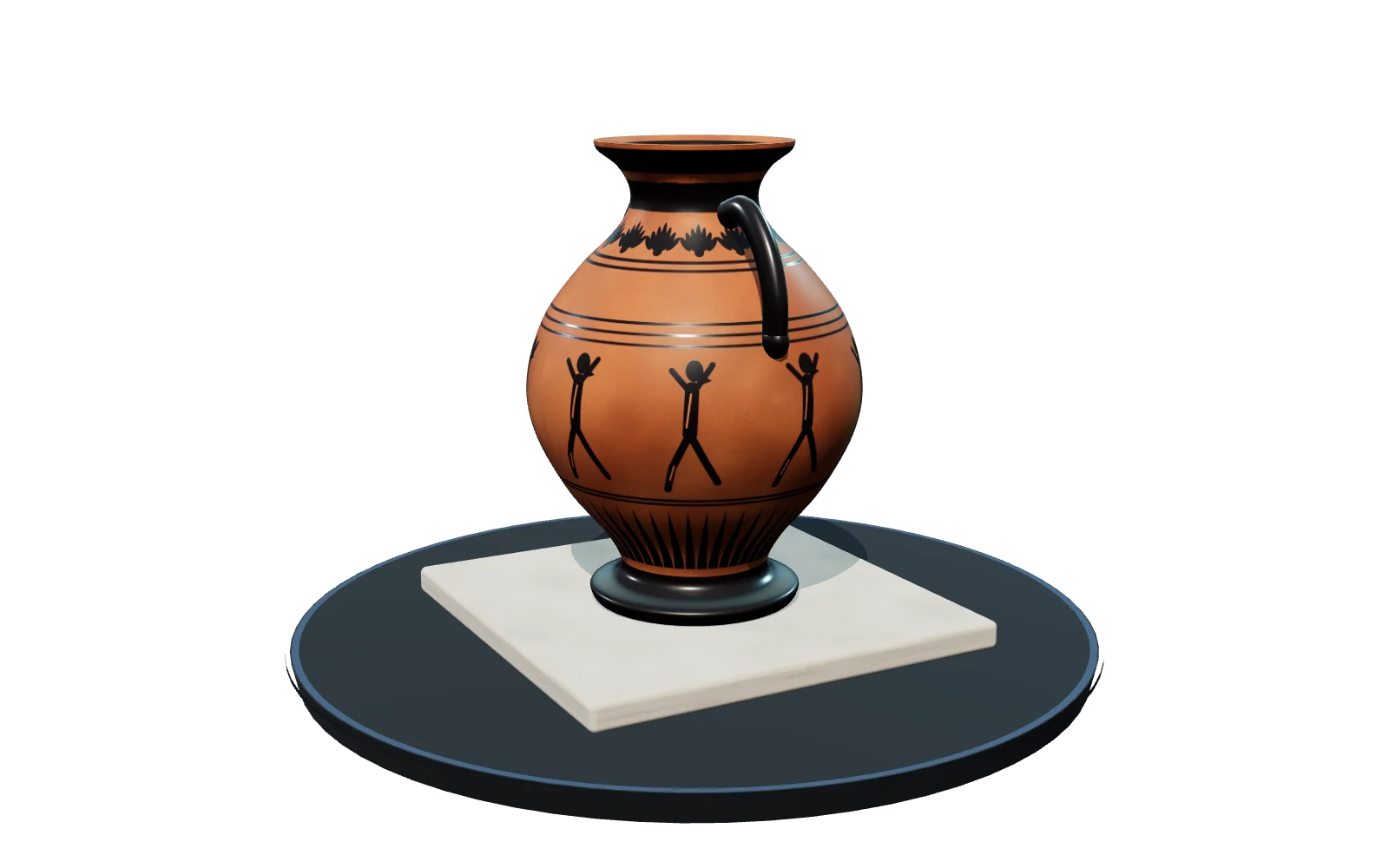
Turn an object or a lesson into a link visitors and students can explore.
For example: A museum turns a clay pot into a link. Students spin it, click through saved views of its markings and read a pin on each one.
Let an exhibitor walk their stand, try the graphics and approve it before the build starts.
Let buyers walk through a home before it is built.
Show trims, paint colours and wheels on a single model.
Get feedback on a model from anyone, with each comment pinned to the exact spot.
Not on the list? If it can be shown in 3D, it will probably work.See what each one shares
The second step is only done once.
1. Bring your model
Filelounge-armchair.glb
2.4 MB · from Blender
Or send it from Blender. The 3ds Max and SketchUp plugins are in preview.
2. Set it up once
Setup3. Share the link
Link3dthing.in/s/lounge-armchair
On your site, in a message or an email.
Embed
Paste one small snippet into your page. It shows the model without the editor around it.
<iframe
  src="https://app.3dthing.in/?share=ID&embed=1"
  title="My product in 3D"
  width="100%" height="600"
  allow="fullscreen"></iframe>
Link
Share it in a message or an email. You decide who can open it, and for how long.
3dthing.in/s/lounge-armchair
Touch
The same link opens in a web browser, with a thumb joystick for walking on a touch screen. Nothing to install for the person opening it.
Checked in phone-sized browser windows, not yet on a real phone.

What you get
One link can do all of this. Try the small demos below.
Options
You choose what can change: a colour, a material, a part, a size. They see the result at once, with a running price if you want one.
More about option pickersExample total $160
Approval
The client ticks one sentence and types their name. You accept it and lock it, so no more options can be saved or approved, or send it back. You can each download the record of every decision, with what was chosen and the prices shown. A paper trail, not a legal signature.
How approvals workSample approval record
AcceptedNotes
A reviewer pins a note to a spot and adds up to 4 photos, and you reply in a thread. They need no account.
More about notesCan this door be a bit wider?
Done. Widened by 20 cm.
Sun and sky
Pick a place, a date and a time, and the sun sits where it really is. Drag the slider to see the sky change.
More about daylightBuildings
Upload a DXF or a vector PDF floor plan. You get 3D walls with doors and windows cut out, and the area of every room.
More about floor plansOpen a 3D file in the free viewer. It says in plain words what is inside and if anything is wrong. No account, and the file stays on your computer.
Change a material, move or reshape a part, or place a texture at real size, without going back to the program you made it in.
The model you already made, in a link anyone can open.
Explain it fast
Copy this short page into ChatGPT, Claude, Gemini or any assistant. It will understand the whole product and can answer your questions.
# 3D Thing

> 3D Thing turns any 3D model into a link that anyone can open in a web browser. People can spin it, zoom in, walk inside it, change colours and options, measure it and leave notes. There is nothing to install.

## What it is
A website with a 3D editor and viewer, made for sharing 3D models. You bring a model that was made in another program. 3D Thing does not design models from scratch. It makes them easy to share, explore and customise.

## Who it is for
Anyone who makes or sells something that can be shown in 3D. For example: products and online shops, furniture and home, machinery and equipment, exhibitions and events, architecture and interiors, real estate, cars and vehicles, jewellery and fashion, museums and education, design studios and creators. It is not only for buildings or interiors.

## Examples
- Products and online shops: A lamp maker puts one model on the product page. Shoppers choose the shade and the base, the price updates, and the page knows the exact choice.
- Furniture and home: A sofa company lets shoppers try five fabrics and two leg styles, then send the combination to their partner as a link.
- Machinery and equipment: A pump manufacturer sends a buyer abroad a link. The buyer turns the pump round, measures the pipe fittings and reads a pin on the maintenance door.
- Exhibitions and events: A stand builder sends an exhibitor a link to their 6 by 6 metre stand. The exhibitor walks the aisle in the browser, tries two graphic panels, pins a note on the counter and approves the design. The builder keeps a dated record.
- Architecture and interiors: A studio sends a family a link to their future kitchen. They walk through on Sunday, switch to the evening look and pin a note where the socket should move.
- Real estate: A developer puts a link in the listing for a flat that is not built yet. Buyers see the layout from above, walk from room to room, and arrive at the viewing knowing the plan.
- Cars and vehicles: A bike or car dealer shows one model in every paint colour and wheel size, with the price for each combination.
- Jewellery and fashion: A jeweller shows a ring that can be gold or silver, with a round or a square stone, and the customer zooms in on the setting.
- Museums and education: A museum turns a clay pot into a link. Students spin it, click through saved views of its markings and read a pin on each one.
- Design studios and creators: A game artist sends a character to the team. Each person pins their comment on the exact spot, such as the left hand or the belt.

## How it works
1. Bring a model. Open a GLB, glTF, FBX or OBJ file, or send it from Blender with a plugin. The plugins for 3ds Max and SketchUp are in preview. Models from Revit, Rhino or Archicad are saved as one of those file types first, because 3D Thing cannot open their own files. AutoCAD 2019 and newer save none of them, so a drawing goes through a 3D program that reads DWG first.
2. Set it up once. Choose the first view, add colour, material or size options, and add notes if you like.
3. Share the link. Send it in a message or an email, or put it on your own website. A link can have a password and an end date. It can be view only, let people change options, or let them leave notes.

## What people can do with a link
- Spin, zoom and look at the model from any side.
- Walk inside it at eye height. Touch screens get a thumb joystick.
- Switch between four views: Around, Overview, Floor plan and Walk.
- Change colours, materials and parts, and see a running price.
- Measure distances.
- Leave notes pinned to an exact spot, with up to 4 photos. No account is needed.
- See real sun and sky for any place, date and time.
- Approve a design with a name and one ticked sentence, and download a record of every decision on it. It is a clear paper trail, not a legal signature.

## What it is not
- Not a renderer. It does not replace the images and videos you make now.
- Not a room planner or a modelling program. You do not build things from a catalogue.
- Not something the viewer has to install. They only need a browser.

## Try it
- [Home](https://3dthing.in/): what 3D Thing is and a live model to spin
- [Ideas for your industry](https://3dthing.in/use-cases): what people share with it
- [Everything it can do](https://3dthing.in/features): every feature, in plain words
- [Free viewer](https://3dthing.in/inspector): no account, and the file stays on your computer
- [Plugins for Blender, 3ds Max and SketchUp](https://3dthing.in/plugins): send a scene from the program you use
- [How it compares](https://3dthing.in/compare): other ways of sharing 3D
- [Help for embedding on your own site](https://3dthing.in/docs): publish, share and embed
Questions
Short answers. Something missing? Write to us and a person will reply.
hello@3dthing.inAnything you can make in 3D: a product, furniture, a machine, a building, a room, a car, a piece of jewellery, a museum object, a lesson. If it can be shown in 3D, you can share it.
Nothing. They open the link in the web browser they already use. Looking around, measuring and leaving a note all work without an account.
GLB, glTF, FBX and OBJ. Floor plans as DXF or vector PDF come with a paid plan. The Blender, 3ds Max and SketchUp plugins send the file for you and carry your materials across. The 3ds Max and SketchUp plugins are in preview.
You can, with one extra step. 3D Thing cannot open a .rvt, .3dm, .dwg or .pln file directly. From Revit, Rhino or Archicad, save the model as glTF, FBX or OBJ first, then open that file here. AutoCAD 2019 and newer save none of these, so ask whoever made the drawing for one, or save it from a 3D program that reads DWG. The plugins page shows what to export from each one.
No. A room planner starts with an empty room and a catalogue to drag from. 3D Thing starts with a model you already made, in the program you already use, and turns it into a link people can explore. The choices people can make are your own materials and parts.
No. Keep making images and videos the way you do now, whether that is Enscape, Twinmotion or anything else. 3D Thing is for when somebody wants to look around the model themselves, in their own browser, in their own time.
We do not claim that. The record shows what was chosen, the sentence agreed to, the name typed and when our server received it. It is a clear paper trail, not a signature. Use your own contract for anything that must hold up.
Yes. The demo account opens the real editor after a short form, and the free viewer opens any GLB, glTF, FBX or OBJ in the browser without uploading it. When you want your team on board, get in touch.
Yes. Every link comes with a small snippet you paste into your page. An option picker in that frame also tells your page what the visitor chose, with each option, its price and the total. The docs have the code.
Not until you save to a cloud project or share a link. The free viewer never uploads anything. Each shared version is a copy that later edits cannot change.